View and find
Moving around a table, finding rows, highlighting what matters and the other ways to display a file.
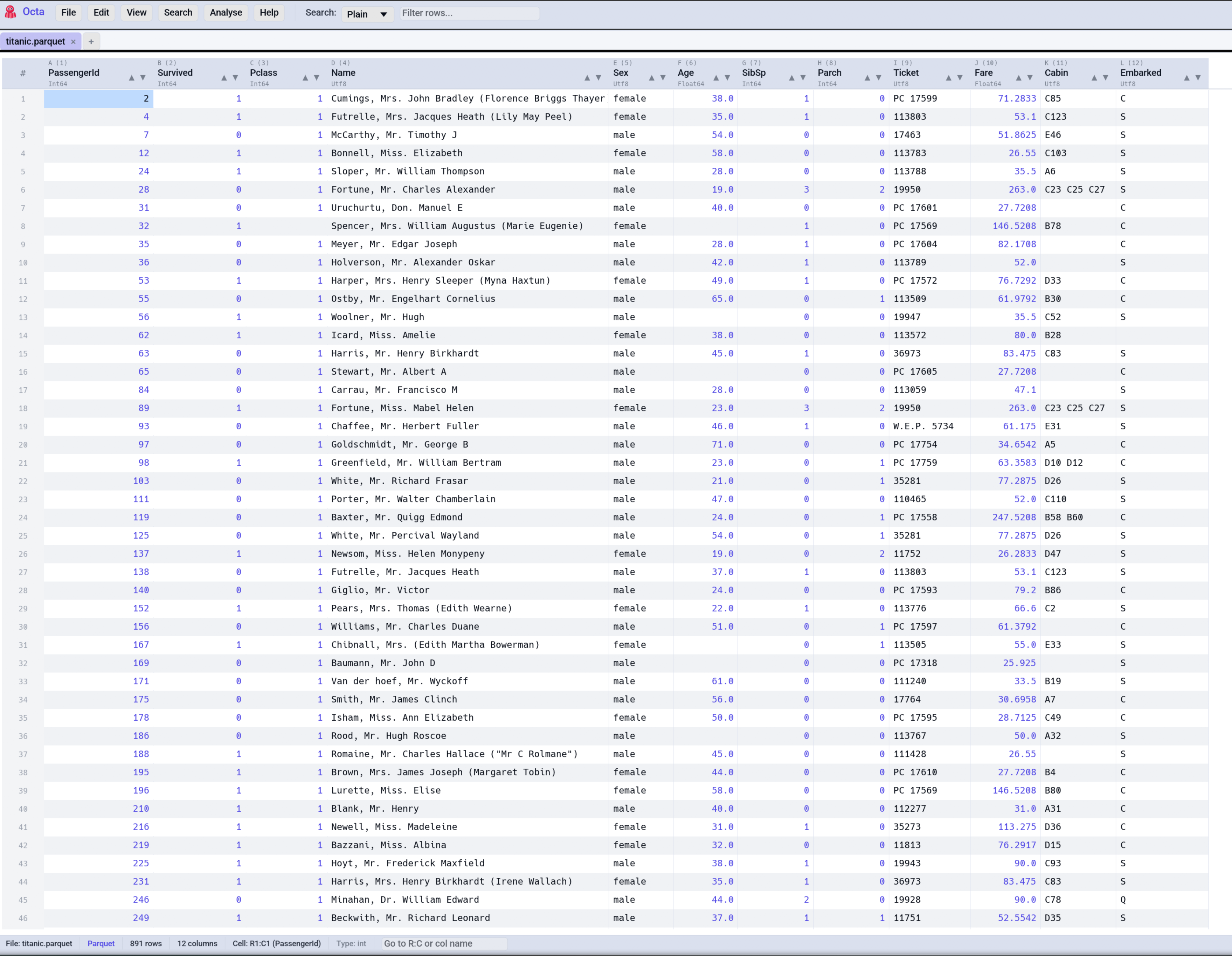
Each row is one job, with where to find it in the app, on the command line and as an MCP tool for AI agents. A dash means that surface does not offer it.
| I want to... | In the app | Command line | MCP tool |
|---|---|---|---|
| Navigate, select, sort and zoom | Table view | - | - |
| See what a binary cell holds | Binary cells | - | - |
| Peek at rows from a script, sorted if you like | - | --head, --tail, --sample |
read_table, tail, sample, count_rows |
| See a file's columns and types | - | --schema |
schema, list_tables |
| Jump to a column in a wide table | Column Navigator | - | - |
| Search and filter | Search & Filter | - | search |
| Search every file in a folder | Multi-search | - | grep_files |
| Filter a column by its values | Filter by value | - | - |
| Show only the marked rows | Filter to Marked | - | - |
| Bookmark rows to come back to | Bookmarks | - | - |
| Colour cells, rows and columns | Colour Marking | - | - |
| Colour cells by rules | Conditional Formatting | - | - |
| Raw text, JSON tree, map, timeline and other views | View Modes | - | - |
Every view mode has its own page under View modes in the navigation: raw text, Markdown, JSON and YAML tree, notebook, EPUB reader, map, record, timeline and compare.