Open files
Opening files and folders, very large files, awkward files and the tabs they land in.
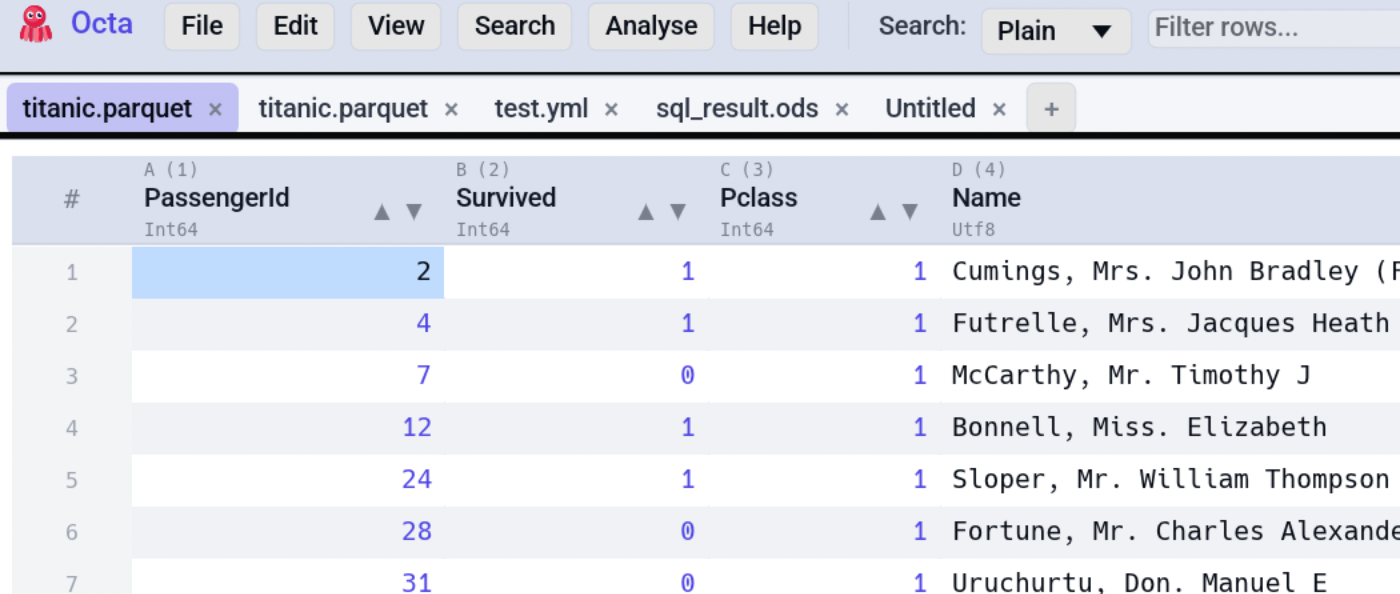
Each row is one job, with where to find it in the app, on the command line and as an MCP tool for AI agents. A dash means that surface does not offer it.
| I want to... | In the app | Command line | MCP tool |
|---|---|---|---|
| Open files in tabs and browse a folder | Tabs & Folder Sidebar | - | - |
| Restore pinned tabs and the last session | Reopen last session | - | - |
| Open a file bigger than memory | Large Files | --sql |
- |
| Load the rest of a partly loaded table | Load Whole Table | - | - |
| Pick the right header row | Header row | - | - |
| Tidy column names as the file opens | Clean Headers on Load | - | - |
| Open a password-protected file | Password-protected files | - | - |
| Look inside a ZIP or TAR archive | Archive Viewer | - | - |
| Get the tables out of a PDF | Tables from PDFs | - | - |
| Read a log file as a table | Log files | - | - |
| Read a file again after it changed | Refresh a Tab | - | - |
| Let a tab remember its layout | Tab memory | - | - |
| Get told when a long task is done | Notifications | - | - |
Which formats open, and how: Supported formats.