Octa
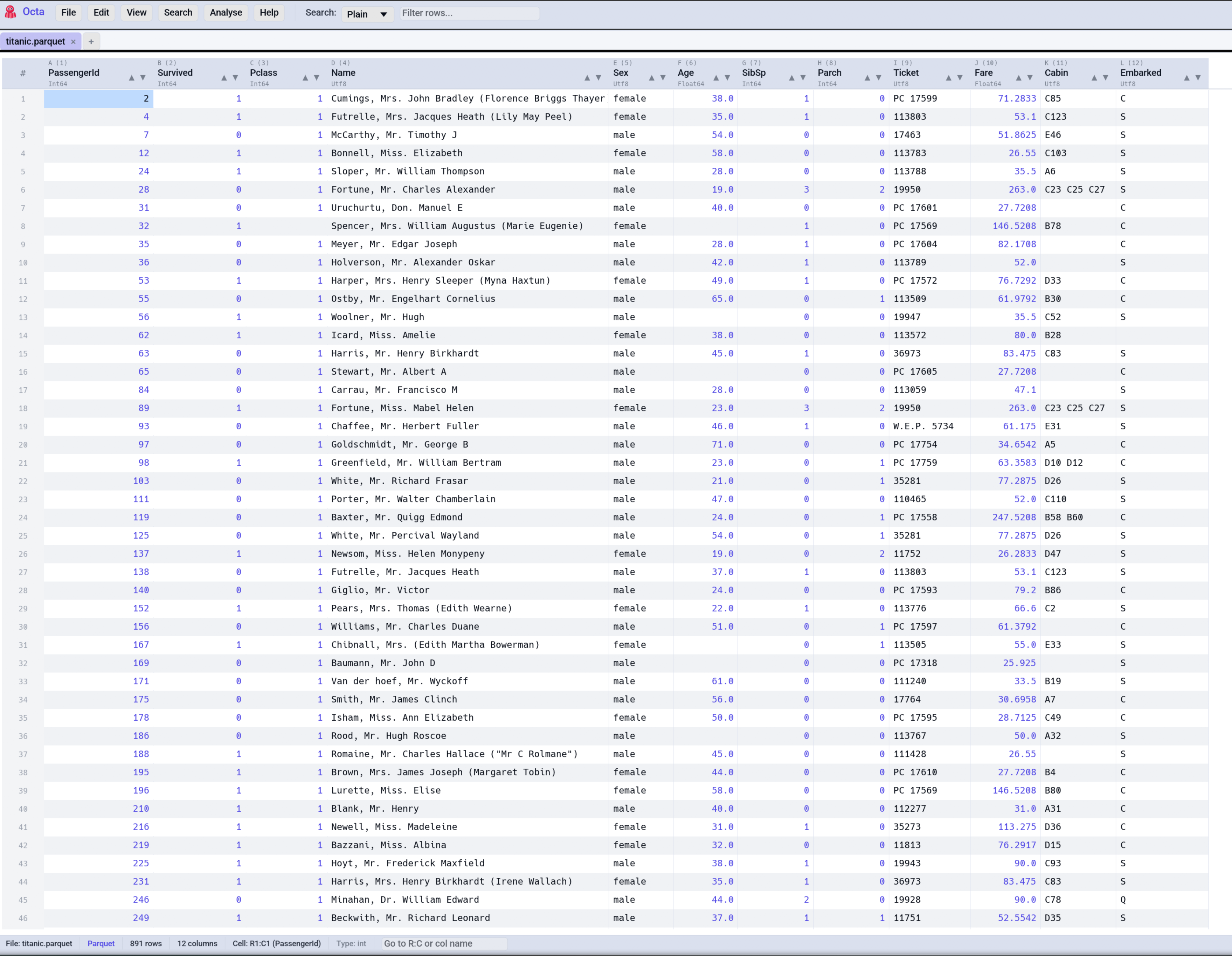
Octa is a native desktop application for viewing and editing tabular data files. It opens Parquet, CSV, JSON, SQLite, DuckDB, Excel, and around twenty more formats (log files among them) in a fast spreadsheet-like view, with sorting, filtering, full-text search, inline editing, SQL queries, and file comparison.
It also doubles as a command-line tool and an MCP server, so models like Claude can answer questions about your local files.
What you can do
The user guide is sorted by task. Each topic lists its jobs with where to find them in the app, on the command line, and as an MCP tool.
-
Open files
Parquet, CSV, Excel, SQLite, a PDF's tables, a log file: Octa works out the format and opens it in a table. Files bigger than memory stream in the background.
-
Connect
Browse S3, Azure, GCS, SFTP and WebDAV, twelve live database engines and REST APIs in a sidebar, and open what you find like a local file.
-
View and find
Sort, filter, search, mark and bookmark rows, or switch to a raw text, JSON tree, map, timeline or record view.
-
Edit and reshape
Edit cells inline, add columns from formulas, change types, pivot and transpose, with undo for every step.
-
Clean and protect
Find duplicates, outliers, missing values and personal data, fix them, and anonymise a table before you share it.
-
Combine and split
Union, join, fuzzy and spatial joins, the key finder and the relationship map, merging edited copies, and splitting into files.
-
Analyse
Summaries, value counts, correlations, time buckets, charts, forecasts and a shareable HTML report.
-
Compare and history
Diff two files or a file and a server table, spot schema and data drift, and follow a cell back through Git.
-
Save and export
Save back, convert to another format, export to PDF, a workbook or DDL, and keep earlier versions.
-
SQL and assistant
Query any open file with DuckDB SQL, or ask a language model about your data in plain words.
-
Automate
Record a clean-up once and replay it as a recipe, convert whole folders, and script it all from the shell.
-
Command line
Every job that makes sense headless is an
octa --flag, with TSV, CSV or JSON output for pipelines. -
MCP server
octa --mcplets Claude Desktop, Claude Code or any MCP client read, query and (if you allow it) edit your local files.
Where to next
- New here? Start with Installation and First Steps.
- Want a complete walk-through? Common tasks goes from a messy CSV to a clean Parquet, compares two files, and more.
- Setting up MCP? MCP setup has step-by-step configs for Claude Desktop, Claude Code, and MCP Inspector.
- Power user? Jump to Keyboard shortcuts or the Settings reference.
Octa is open source (MIT) and the source lives at github.com/thorstenfoltz/octa.