Edit and reshape
Changing cells, columns and the shape of a table, with undo for all of it.
Each row is one job, with where to find it in the app, on the command line and as an MCP tool for AI agents. A dash means that surface does not offer it.
| I want to... | In the app | Command line | MCP tool |
|---|---|---|---|
| Edit cells, rows and columns | Editing | - | edit_table |
| Lock a table against edits | Read-only mode | - | - |
| See what you changed | Edit Audit Trail | - | - |
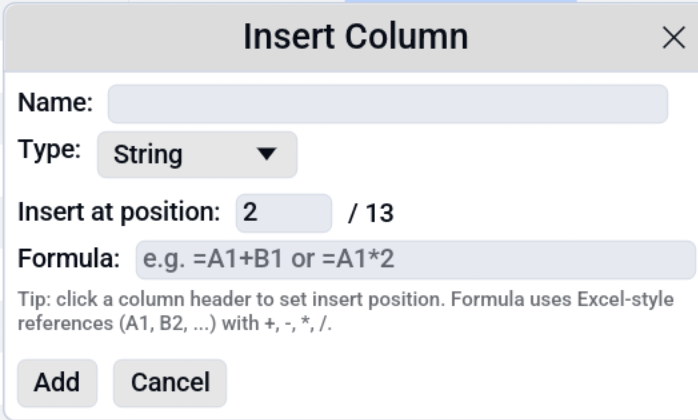
| Add a column from a formula | Formulas | - | - |
| Calculate with dates and times | Date / Time calculation | - | - |
| Transform a column (split, trim, replace...) | Transform Column | - | - |
| Rename columns | Rename columns | - | transform_columns |
| Change a column's type | Change column type | - | transform_columns |
| Turn every date column into dates | Change column type | - | - |
| Pivot and unpivot | Pivot / Unpivot | - | pivot |
| Transpose, sample, compare rows | Table Tools | --sample |
sample |