Compare and history
Differences between files, versions and servers, and how a table changed over time.
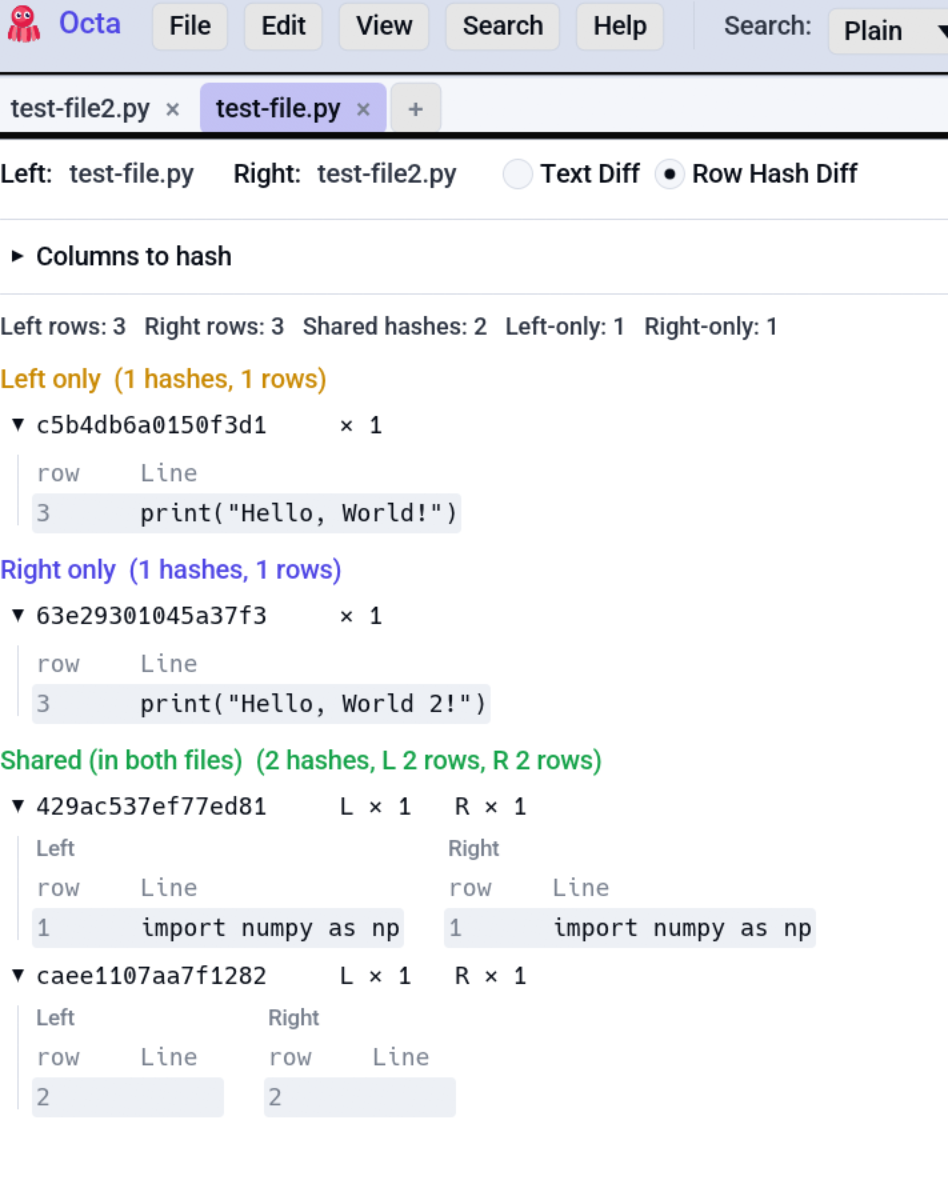
Each row is one job, with where to find it in the app, on the command line and as an MCP tool for AI agents. A dash means that surface does not offer it.
| I want to... | In the app | Command line | MCP tool |
|---|---|---|---|
| Compare two files row by row | Compare View | --diff |
diff_tables |
| Compare two files' columns and types | - | --compare-schemas |
compare_schemas |
| Compare a file with a database table or cloud object | Compare with a Database Table or Cloud Object | --diff |
diff_tables |
| Compare two or more folders or buckets | Compare Folders | --compare-folders |
compare_folders |
| Find files whose columns disagree | Schema drift | --schema-drift, --validate-schema |
schema_drift, validate_against_schema |
| See how a dataset changed between versions | Data Drift | --drift-report |
data_drift |
| Compare two distributions | Compare Distributions | --compare-distributions |
compare_distributions |
| Follow one cell through Git history | Cell history | --cell-history |
cell_history |
| Go back to an earlier version | Earlier Versions | - | - |